Abstract
Docking tools have multiplied so quickly that picking one can feel like choosing a new phone. Some are free, some carry a license fee, and each promises a sharper view of how a drug candidate grips its protein. The truth is simpler. Every tool answers the same basic question, and the real skill lies in matching the tool to the job and then checking its answer. This guide compares the main molecular docking tools in plain language and shows how to read what they reveal about protein and ligand interactions.
What Interaction Analysis Really Asks
1. The question every tool tries to answer
A docking tool takes a protein and a small molecule and tries to guess how the two fit together. It places the molecule in many positions, scores each one, and hands you a ranked list. That list is a set of hypotheses about binding. It is not a finished fact.
2. The contacts worth looking at
Once a pose is chosen, the interesting part begins. Hydrogen bonds act like small clips that hold a ligand in place. Oily parts of the molecule tend to settle into oily pockets, and charged groups can pair up through salt bridges. Flat rings sometimes stack against each other too. Viewers such as PLIP and PyMOL map these contacts, so you can see why one candidate scored better than another. Look at the pose before the score, because a high score on an odd looking pose usually means something went wrong in the setup.
The Main Molecular Docking Tools in 2026
1. Free and open source choices
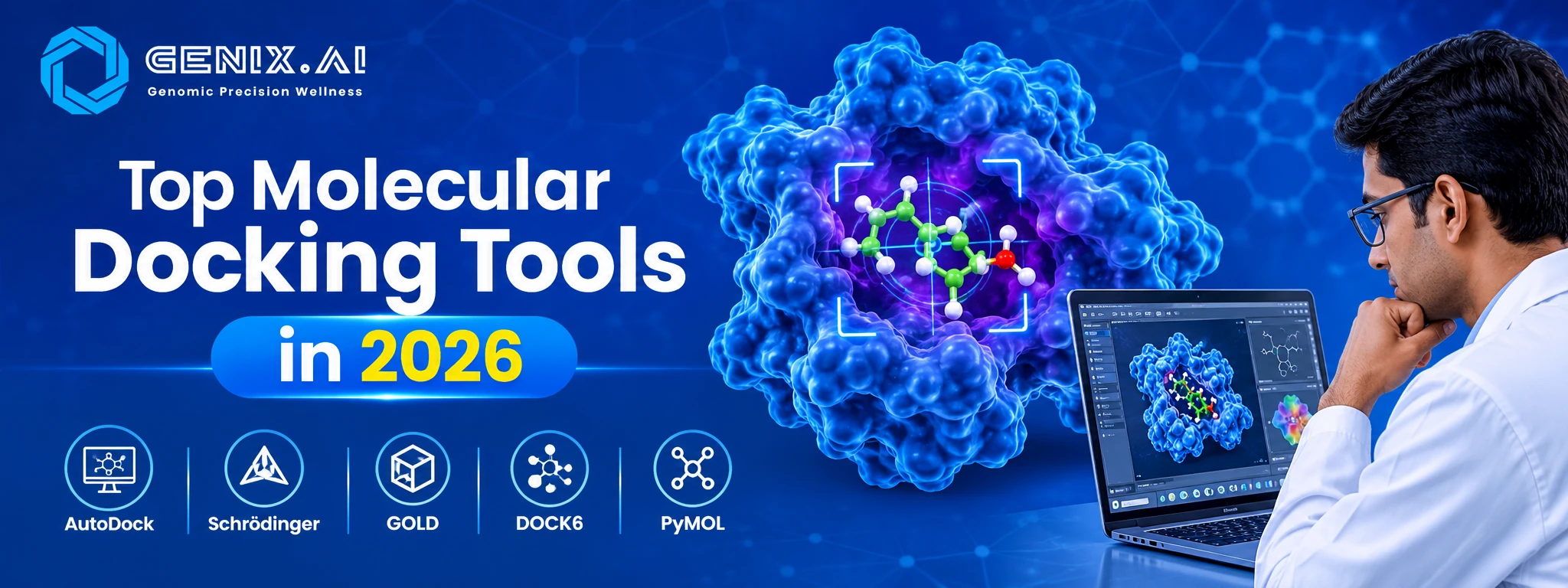
AutoDock Vina is probably the best known. It is fast, free, and appears in a huge number of published studies, so reviewers recognise your results straight away. DOCK, from the UCSF group, is one of the oldest programs in the field and still gets used for large libraries. HADDOCK takes a different route by letting experimental or predicted information guide the fit, while SwissDock offers a friendly web page for people who would rather not install anything. Beginners often meet Vina through PyRx, a graphical front end.
2. Commercial platforms
Glide from Schrödinger and GOLD from the Cambridge Crystallographic Data Centre are the usual names in industry. Both are paid and both have long track records. They give finer control over flexibility and scoring. The trade off is a license fee, which stings most for small teams and student projects.
Where AI Fits In
AlphaFold3 can now model protein and ligand complexes directly, and machine learning methods are being used to rescore docking poses. Many groups pair these predictions with classical docking, because an AI guess still needs a physical check. Think of AI as a strong first draft and not the final answer. This post on AlphaFold3 and protein intelligence explains the structure side in more depth.
How to Pick and Check a Tool
1. Match the tool to the question
Screening ten thousand compounds is a different job from studying one favorite molecule in depth. For big libraries, speed wins, so Vina or DOCK make sense. For a handful of lead compounds, slower and more detailed settings pay off. Budget matters as well, and a free tool with a careful setup often beats a paid one used carelessly. If your protein has no solved structure, you will need a predicted one first. For a wider list of names, this overview of top molecular docking software and tools covers more ground.
2. Looking past a single pose
Docking freezes one moment. Molecular dynamics programs such as GROMACS let the complex move for a while, which shows whether contacts like hydrogen bonds actually survive. A pose that falls apart in simulation was probably never as good as its score suggested. Teams that care about reliability usually run both steps.
3. Validate before you trust
Here is a simple case study that any lab can run. Take a protein whose structure was solved with a ligand attached. Remove the ligand, dock it back, and compare the result with the real position. A difference under roughly 2 angstroms, measured as root mean square deviation or RMSD, is the usual sign that your setup can reproduce reality. If it fails, adjust the grid box or the settings before docking anything new. This is a standard check and not a claim about any single tool, so run it on your own target. Reviewers generally like to see this check reported. Other traps are covered in this piece on how to avoid common molecular docking mistakes.
Conclusion
No single tool wins every time. Pick the one that suits your question, test it on a known complex, and treat every score as a lead. Genix.ai runs molecular docking services under its BioCompute offering, using open tools such as AutoDock Vina and GROMACS, with commercial options like Schrödinger Glide available on request. Single target docking starts at $1,000, and projects can begin from just a protein sequence because AlphaFold3 structure prediction is included. Pharma and biotech teams can also explore the pharma and biotech page or ask for a quote on the docking page.
FAQ's
1. What are molecular docking tools?
They are programs that predict how a small molecule binds to a protein and rank the likely poses.
2. Which free tool is the most popular?
AutoDock Vina is among the most widely used free options in published research.
3. Do I need a paid tool?
Not always, since open tools are widely accepted, though some projects prefer commercial platforms.
4. How do I know a docking result is reliable?
Redock a known ligand into its solved structure and check that the pose lands within about 2 angstroms.
5. Can I dock if I only have a protein sequence?
Yes, a structure can be predicted first with tools such as AlphaFold3.